| Home Hills Services Contact |
 Service Ph: 0408359072
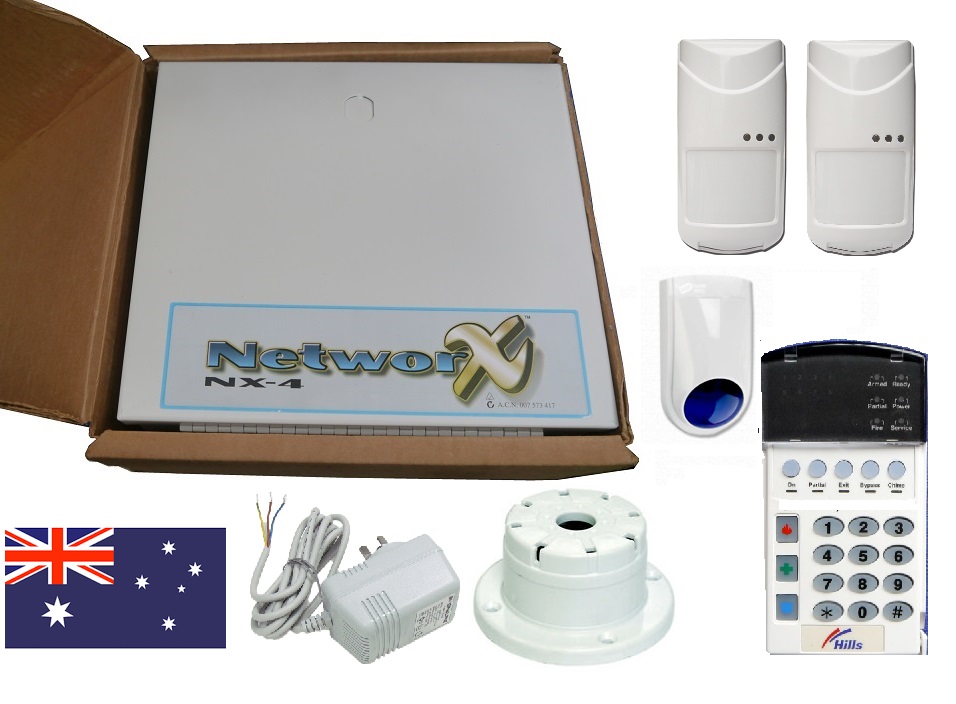
Alarm Servicing & Repairs - Call out Services to NetworX NX-4 DAS Security Systems
   |
NX4/8 Alarm Repairs call-out Services
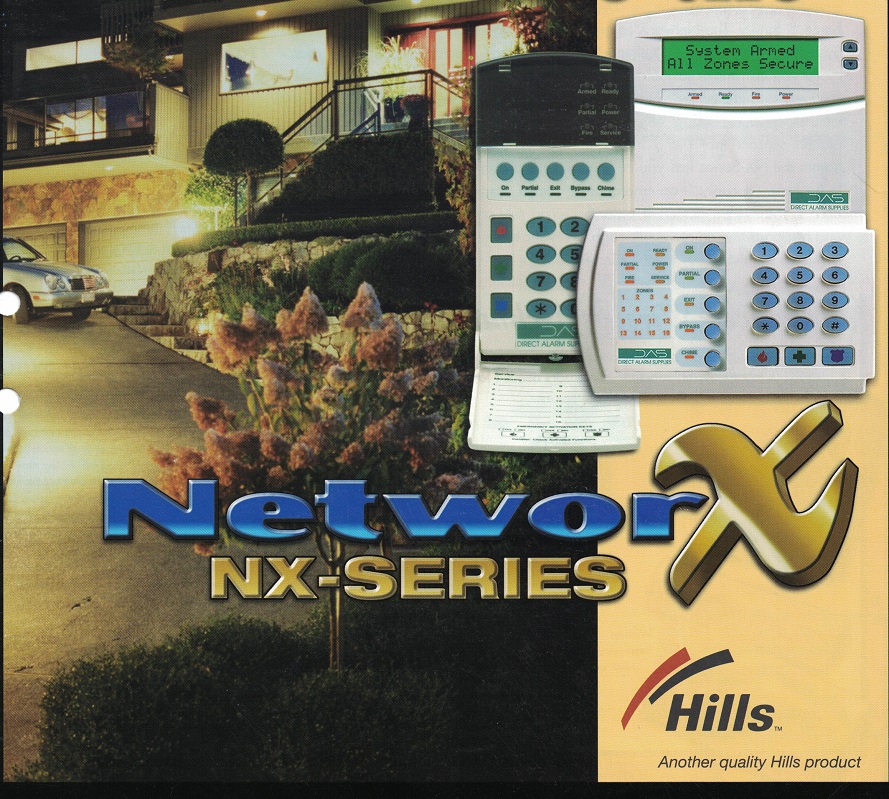 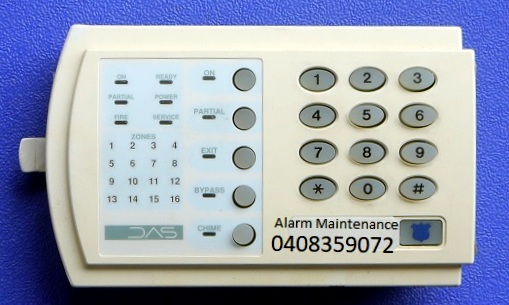  |
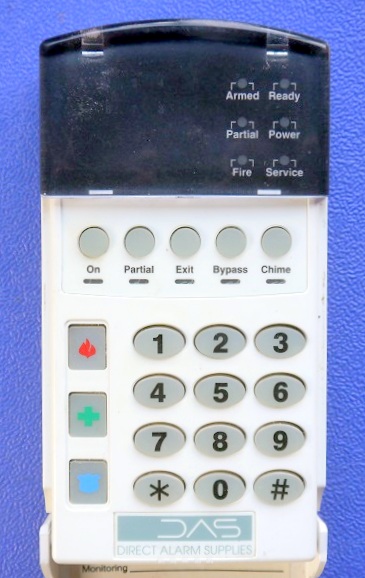
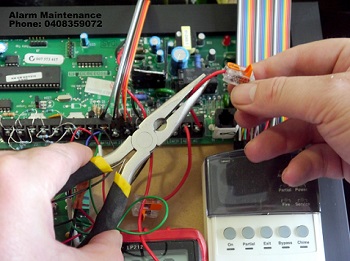
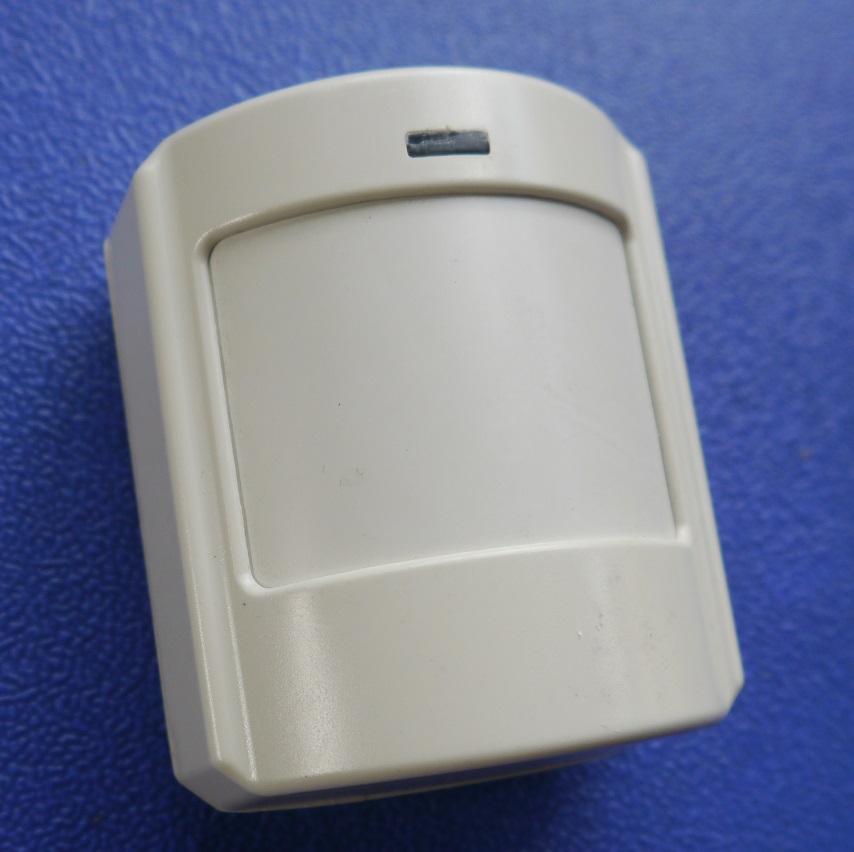
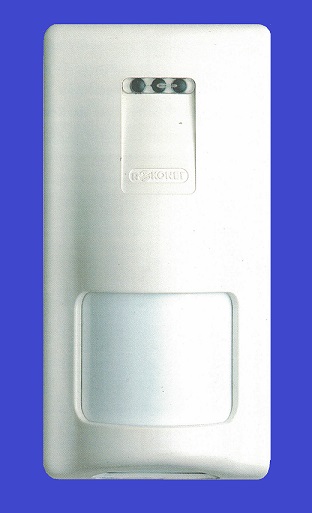
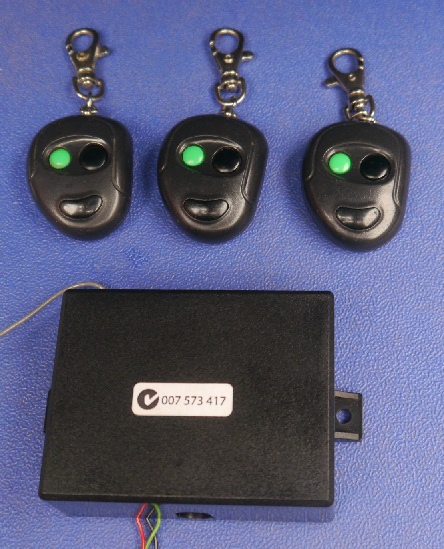
NX4 Keypad repairs - User pin code reset - code pad servicing replacementsWe service NX4 alarm system keypads to LED Vertex, other compatible versions, NX-4 alarm panels, wireless battery devices, wireless receivers, remote control keyfobs to your security system. We provide battery replacements, technical programming and resets to your existing old type Networx NX4 burglar unit for fast call out servicing. We repair NX4 keypad - Red Power light flashing - Service light indicator ON - Alarm code pad beeping - system code resets - NX4 battery replacements - Keypad replacements - Keypad repairs - Brand new DAS NX4 keypad sales _ Beeping error fault - Unexpected false alarming - Emergency disconnections due to non-stop sirens sounding - Smoke alarm beeping service - Fire light flashing - Siren fault trouble - Tamper zone faults fixed - If you cannot set your alarm system - Open zone faults - Wireless NX4 alarm systems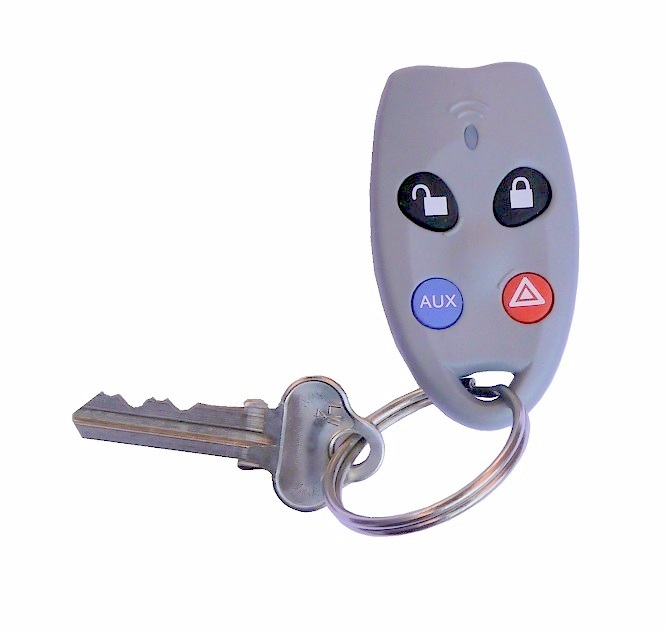 Does your existing NX-4 Direct Alarm Supplies system have remote controls for arm disarm? Alarm Maintenance can supply and fit to your property including hard-wired and wireless devices! Our Alarm Maintenance can connect key fobs to many old and existing control panels Does your existing NX-4 Direct Alarm Supplies system have remote controls for arm disarm? Alarm Maintenance can supply and fit to your property including hard-wired and wireless devices! Our Alarm Maintenance can connect key fobs to many old and existing control panels
NBN issues to your alarm system
Alarm Maintenance service many more security systems for domestic, residential and commercial to protect to your family building and your property.
Instructions for NX-4 ALARM SYSTEMHow to ARM your alarm system from your code padEnsure the green READY light is on (areas are sealed) close the doors and windows Enter USER CODE eg. 6 9 3 9 or just press the "ON" button Make sure that the red ARMED & Green ON light illuminates If any of the zones are isolated, a sensor in that zone can give a mixed reading affecting the "READY" light (green light flashing). The security system will not arm if the "READY" light is not illuminated green. With the "READY" light on, you may arm the security system with your 4-digit Code. Each time a key is pressed on the keypad, a short beep will sound. If the code pad beeps three times after a code entry, it is an indication that the code has not been accepted. Press the [#] key (reset) and re-enter a valid code. The code pad sounder can be quietened by re-entering your pin code. When the security system has accepted a valid code, the red "ON" light will illuminate indicating that the system has been turned on. The user must leave within the exit delay time. How to disarm your NX4 security systemEnter USER CODE eg. [6] [9] [3] [9] if code is 6939 - keypad "ON" light goes OFF When you return to your property the keypad will sound a continuous tone (beep) for the duration of the entry delay time. Enter a valid code within this entry time and the red "ON" light will turn OFF, and the tone will stop. The security system is now DISARMED. If a valid code is not entered before the end of the entry delay time, an alarm will occur. How to change the first user code to your NX4 security systemEnter from keypad *5 followed by your 4-digit master code followed by [0][2] followed by new 4 digit user code then press [#] to save and exit programming
|

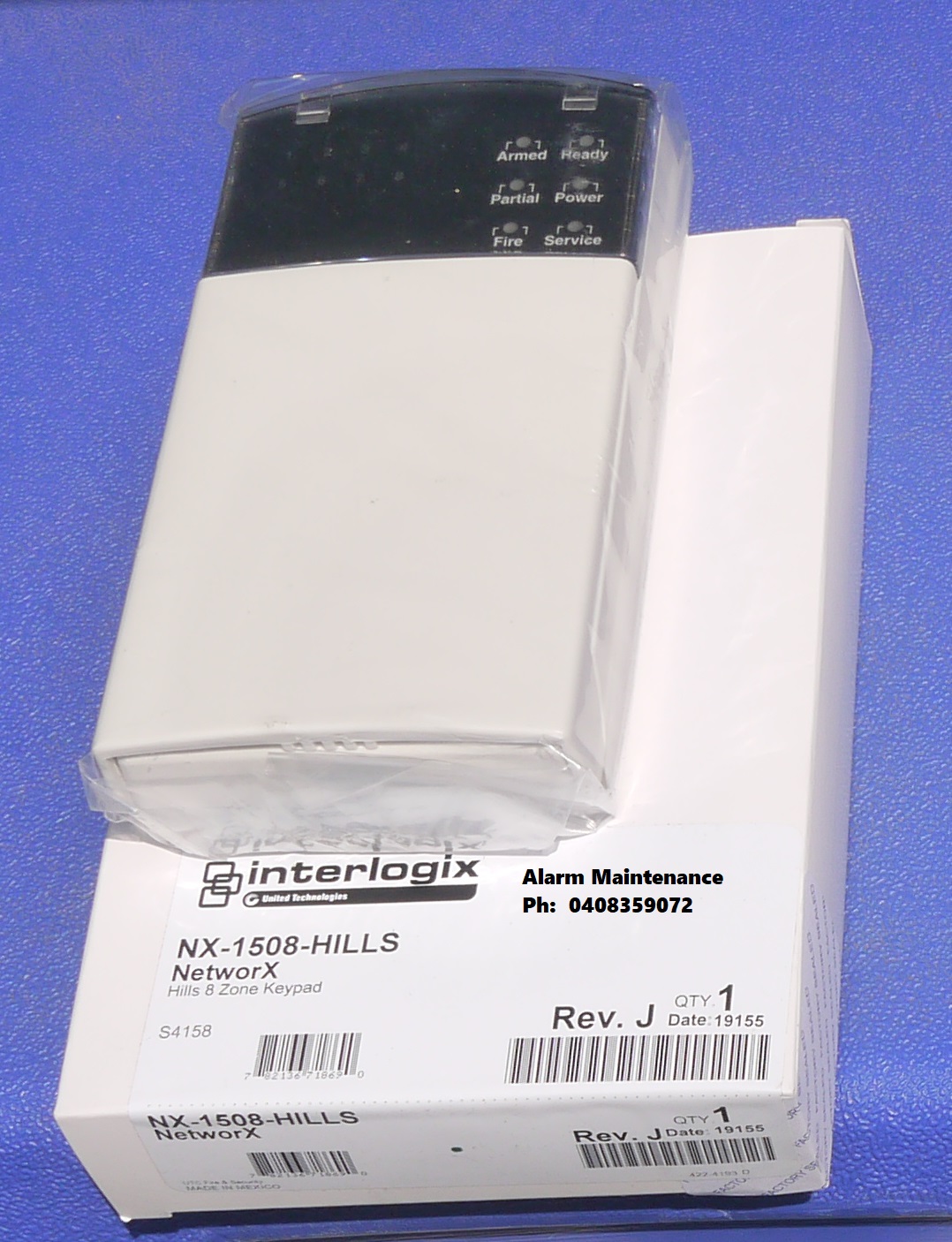
WE SERVICE MANY MORE MAKES & MODELS
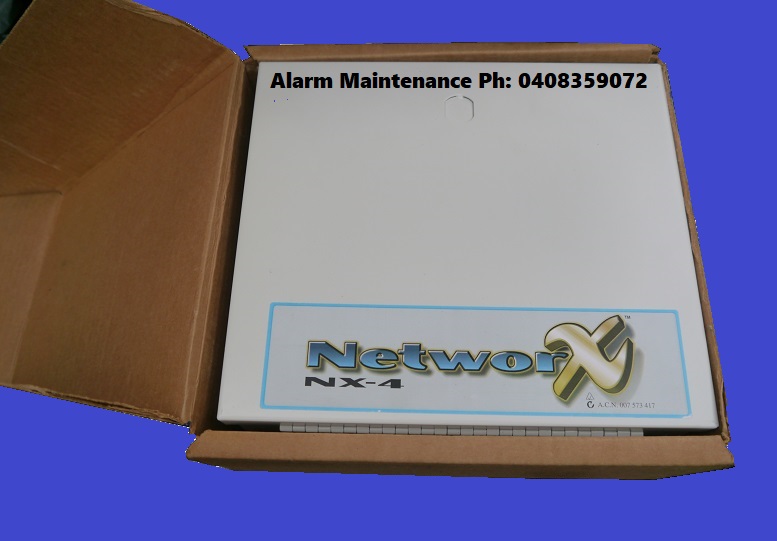
NESS NESS KEYPADS BOSCH SOLUTION DAS NETWORX - NX SERIES HILLS RELIANCE Hills Reliance R8, Hills Reliance R12, Hills Reliance R128 Networx NX-4, Networx NX12, Networx NX-16, Networx NX-8, Interlogix, DAS DL KEYPAD ADEMCO VISTA CK SYSTEMS HONEYWELL EDM DSC & Much more
sales@alarmmaintenance.com.au | Master Licence 71826620S |