 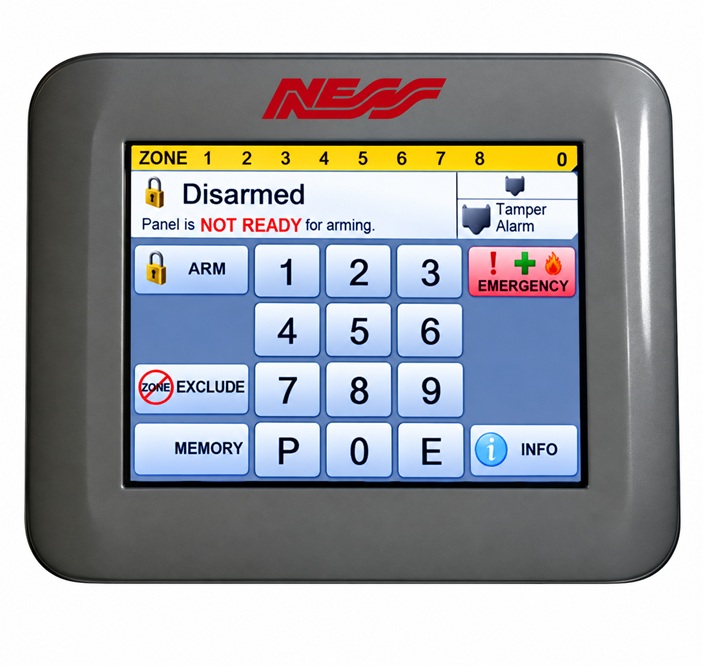
Ness Alarm Repairs Services in Melbourne
We provide alarm services to many urgent requests including if you cannot stop your alarm system - keypad battery light flashing - memory light flashing - alarm keypad beeping - alarm resets if you do not know your code - Ness alarm battery replacements - battery light ON - keypad repairs replacements - service alarm beeping faults - smoke detectors chirping - upgrades - emergency deactivate stop your alarm system - tamper zone faults fixed - phone technical support - service your system if you cannot set your alarm and false alarms fixed
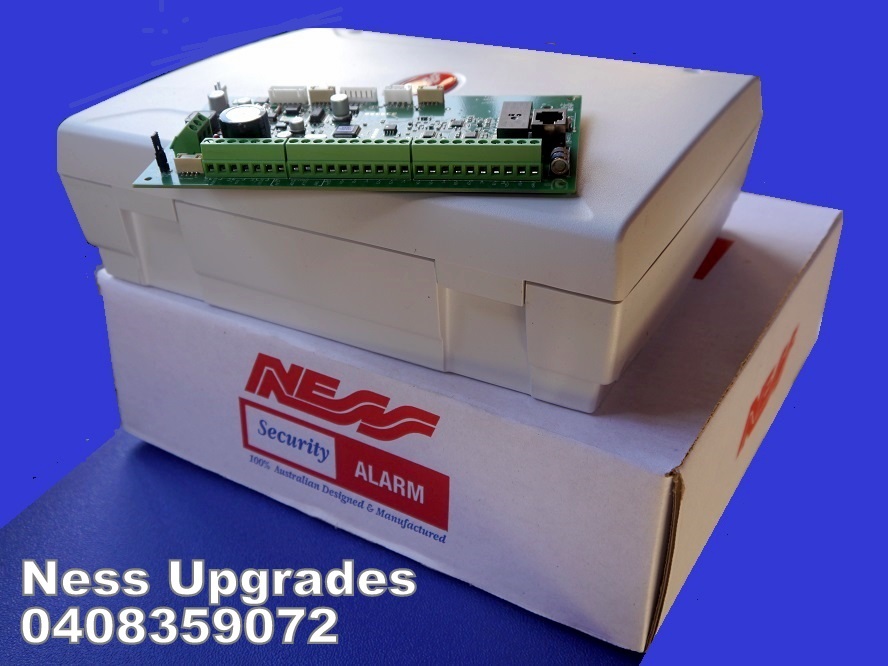
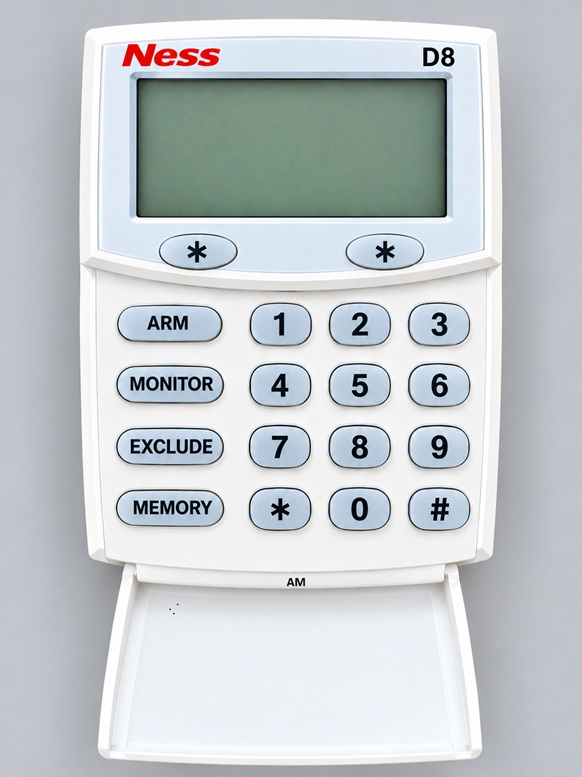
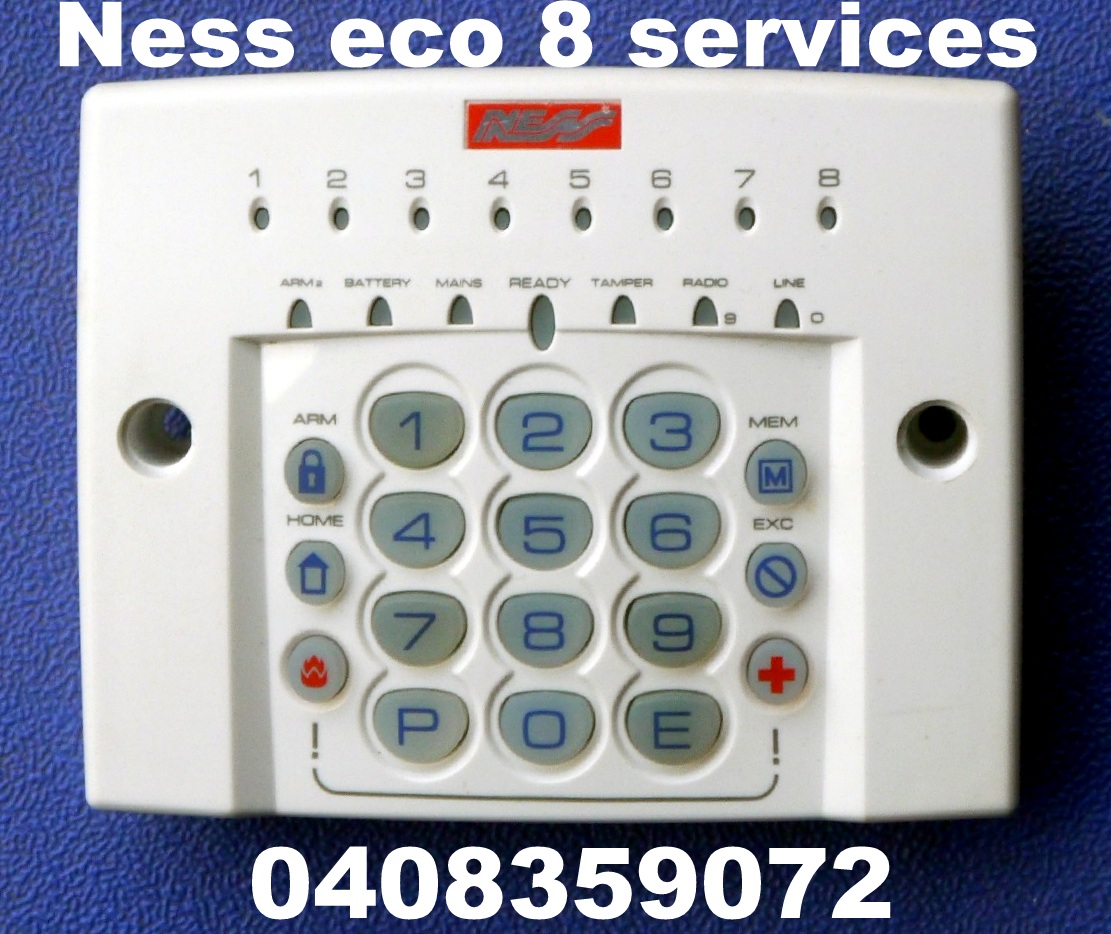
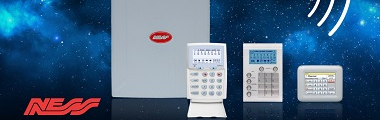
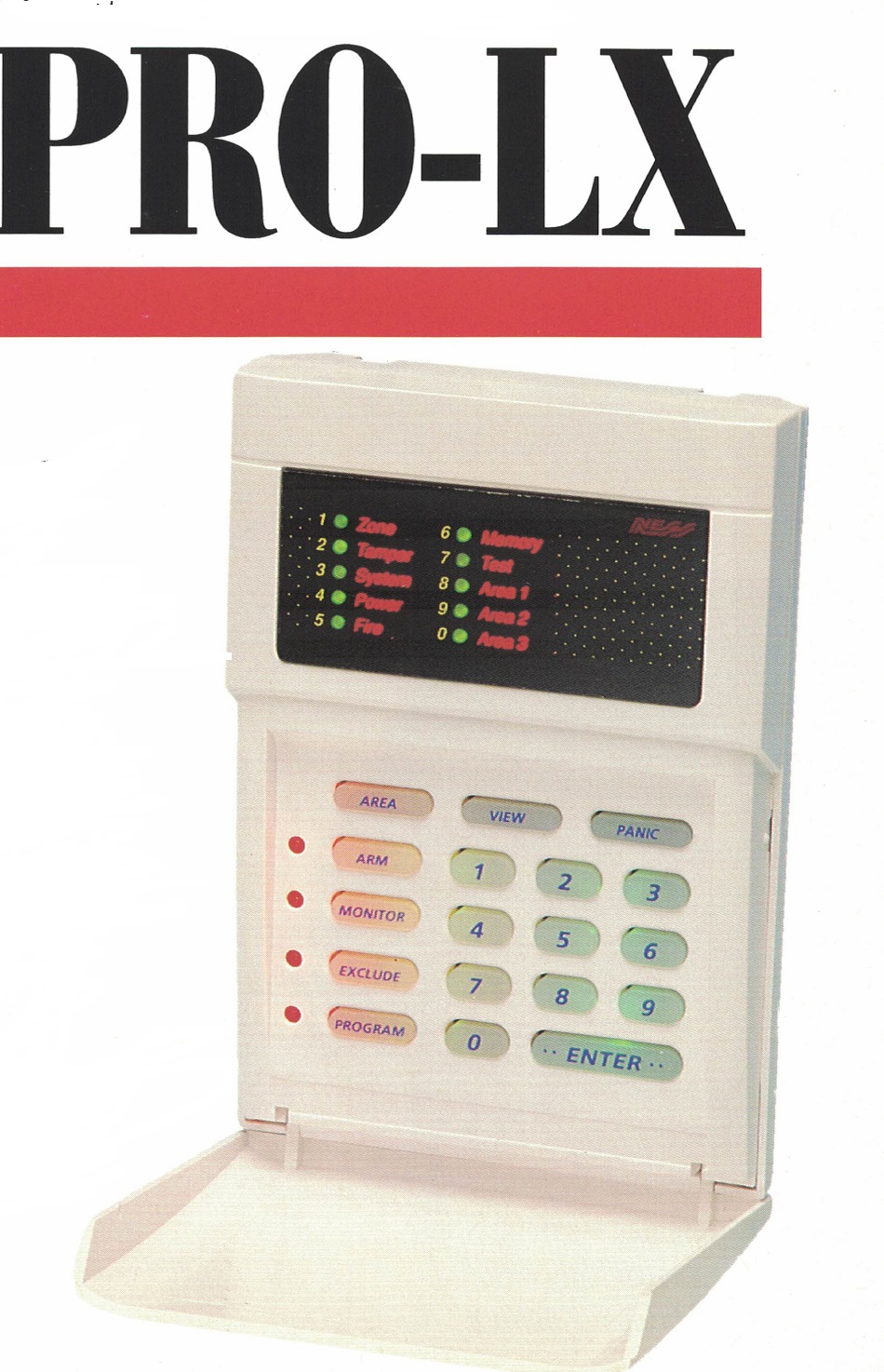
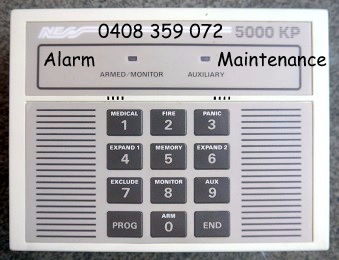
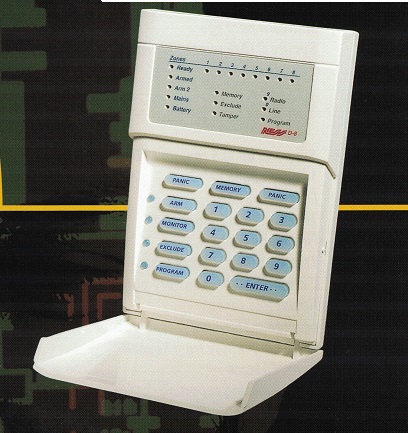
Alarm Maintenance service Ness D8, Ness D16, KPX, Ness D8x, Ness D16x, Ness ECO 8, Navigator, Ness R8, Ness R16, NESS Pro L, NESS Pro LD, NESS Pro LX, LXE, NESS 5000 alarm system
We Stock a good range of old alarm parts old and new model Ness keypads
We service Ness alarm systems with intermittent false alarms and beeping keypads. We can repair many types of security systems for fast reliable call out service. System faults on the keypad may cause a flashing indicator light and beeping keypad to occur. Our Ness Security service provide reliable security repairs to protect your home and business and we are Australian owned. Ness Security Systems provide reliable security systems for home and business and are very efficent in protecting your property.
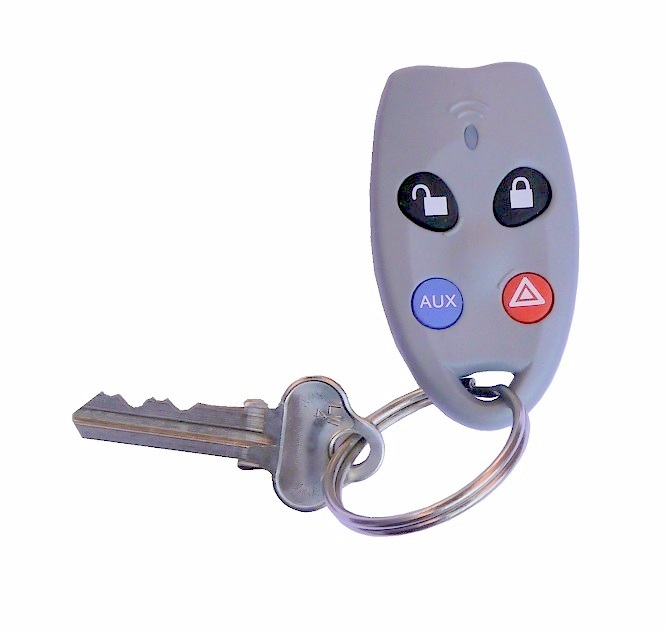
Does your existing Ness alarm system have key ring remote controls? Our Alarm Maintenance supply and fit remote controls to your existing Ness intruder systems in Melbourne. We can install new key fobs for prompt alarm service callouts to your property
If you enter and exit most of the time through the garage door, best to install remote control fobs for easy access via your car commuting travels. The reason being for the sensor in the garage installed, there is no need to rush and feel stressed about timings having to run to the keypad in time to disarm the security system
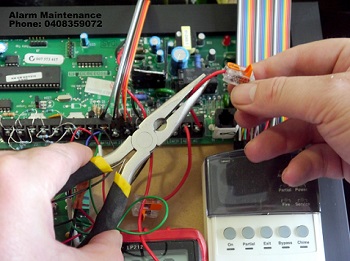
Ness alarm system reset should be done by a qualified technician. If your alarm system is beeping or have a flashing light on your keypad, this is a sign that your security system requires servicing. If your keypad is glitching or you are seeing sporadic flashing behaviour, this is a sign it maybe a fault with the keypad itself or the mother board in the control panel. Alarm maintenance can fix these issues promptly
|
|
Is your Ness alarm system false alarming?
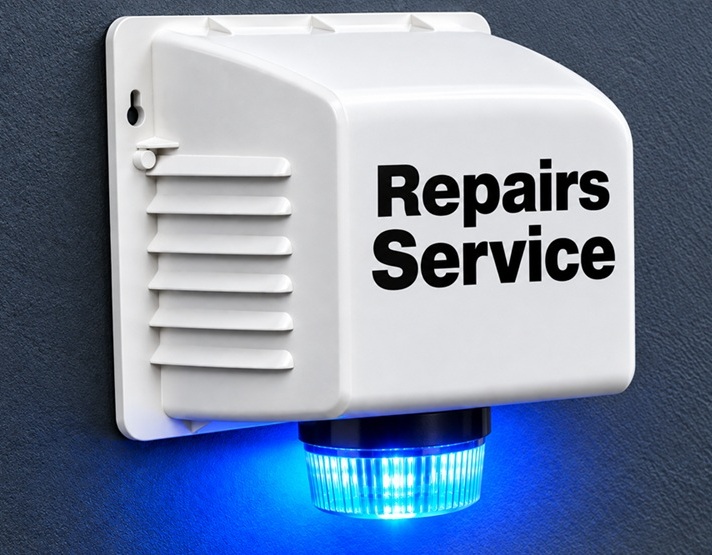
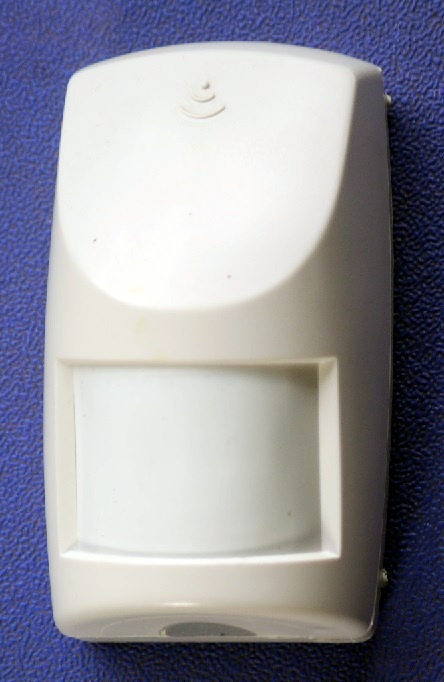
 Best to avoid a Ness alarm system with false alarms or a beeping code pad. Waking up in the early morning with alarm sirens ON for no apparent reason can be very troublesome. Our Ness alarm service technicians can repair many different makes and models. Environmental and other system faults may cause a flashing indicator light and beeping keypad to happen. You may experience false alarms created by a tamper zone service fault to the siren box, external strobe light unit, PIR detectors or main control panel tamper device. Call us now for help! Best to avoid a Ness alarm system with false alarms or a beeping code pad. Waking up in the early morning with alarm sirens ON for no apparent reason can be very troublesome. Our Ness alarm service technicians can repair many different makes and models. Environmental and other system faults may cause a flashing indicator light and beeping keypad to happen. You may experience false alarms created by a tamper zone service fault to the siren box, external strobe light unit, PIR detectors or main control panel tamper device. Call us now for help!
Ness Alarm Systems manufactures reliable security systems for home and business security providing many high-end features to protect your home. Our technicians provide alarm services including changing user codes and especially for newly purchased homeowners, businesses and rental properties.
Useful functions to the Ness D8x alarm system
The NESS Security system has the ability to have 3 different ways to turn ON your alarm system. They are ARM mode, HOME mode and DAY mode. The home mode can be programmed for at home intruder protection. This means you can have window door sensors, etc ARMED at night that activate a forced entry when you are at home while all other areas are bypassed (example. Bedroom detector or upstairs)
Armed mode is for property protection while you are away
The NESS Security D8X Alarm System can add additional remote controls to easily arm and disarm your property including the garage roller door. The keypad can be easily configured for door chime operation.
Has an inbuilt CEL GSM unit for phone line connection to back to base or private monitoring to your mobile. This enables the alarm panel to call your phone when there is an alarm. When you answer you will hear a voice and listen to the prompts. A maximum of two phone numbers allowed. Can be set up for contact ID monitoring through a 24 hour control room. Supports a built in GSM dialer unit. The NESS CELL also has the ability to connect to your home broadband via a NESS IP Module to your smartphone.
Ness alarm systems features including:
|
- Wireless or hardwired devices (Hybrid)
- Arm property protection mode while you are away & stay at home mode (day - night - sleep)
- Using your alarm system including Area 1, Area 2, Home mode and Day mode including 24-hour zoning
- Control room monitoring or mobile phone alerts with notifications to your mobile phone
- Remote control arming and disarming
- Excluding zones to your property
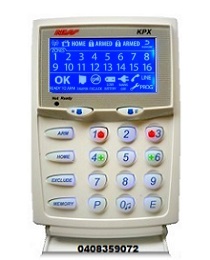
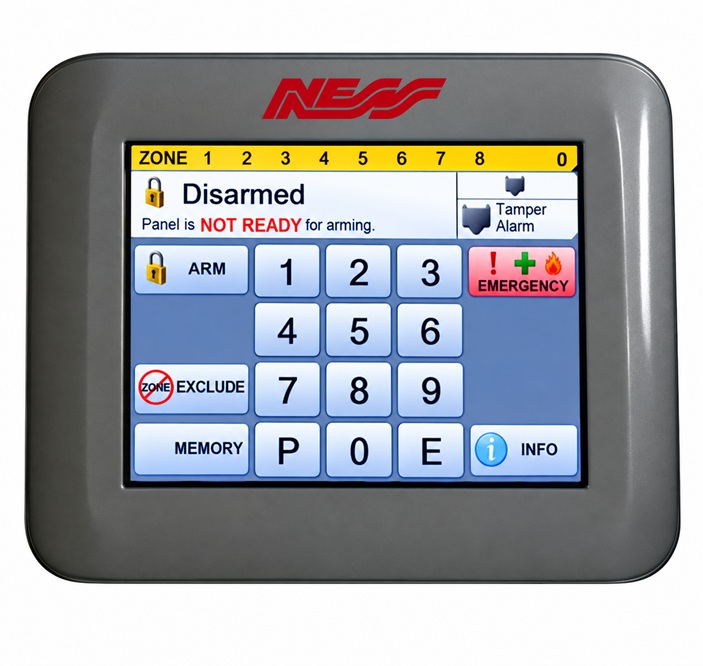
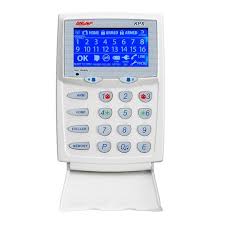
- User friendly Navigator touch screen keypad, Saturn or KPX keypads
- Programmable auxiliary outputs for outside lighting, heating, cooling, garage door opening, etc
- Chime zones for audible alerts
- Access control for door locks to users in domestic and commercial situations
How to arm the Ness alarm system
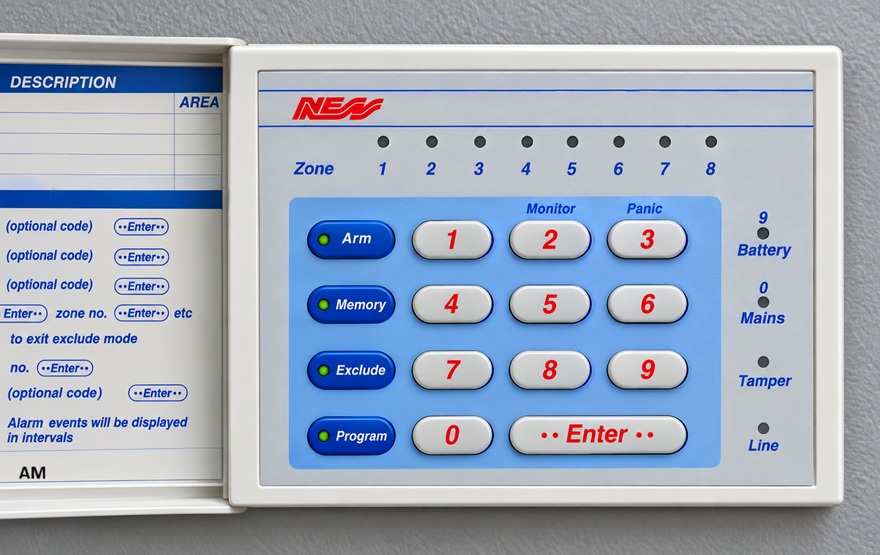
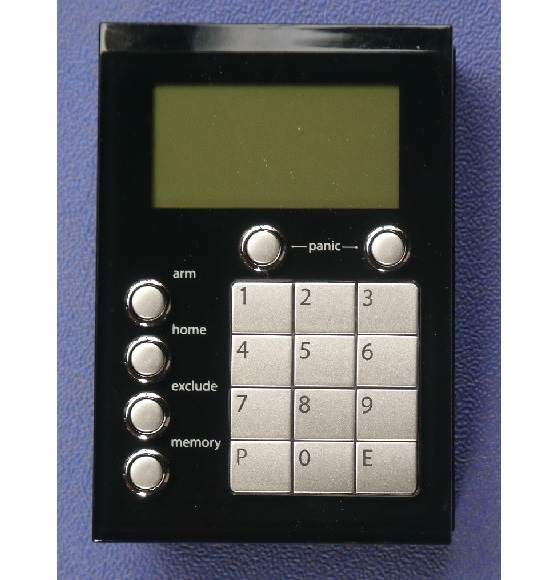
- Press the [ARM] button on the keypad to arm - Then Press [E or ENTER] button. Two beeps means correct number.
- The ARMED LED/LCD indicator on the keypad will now illuminate and, the exit delay will start and your alarm will be ON.
Disarming the alarm system
- Enter your user code eg. 1 2 3 4 . Then Press the [E or ENTER] button.
- The keypad will beep two times to indicate correct code. The alarm is now disarmed.
- The ARMED LED/LCD keypad indicator will turn OFF.
- One long beep means an incorrect number entered.
Bypassing or Excluding and turning OFF rooms/zones on Arming
The Ness alarm system allows you to program the alarm system to turn OFF zones that your prefer.
Press the [EXCLUDE] button.
Enter your user code.
Press the [E or ENTER] button.
The exclude LED/LCD segment will turn on.
Select the zones that you wish to bypass, then press [E or ENTER].
Continue adding each zone to Bypass by repeating previous step .
Press the [E or ENTER] button to exit Exclude mode.
The exclude LED/LCD indicator on the keypad will flash and the selected zone will be bypassed next time the system is armed.
Home Mode. (Stay/Monitor/Home) Arming the Ness alarm system
This function permits you to be in the protected area while partially arming the Ness alarm system.
For example, when you go to sleep at night, doors and windows can be armed without arming the other rooms.
Press the [HOME or MONITOR] button. Then Press the [E or ENTER] button.
The ARMED LED/LCD indicator on the Ness keypad will now flash continuously.
This indicates that the system is in Home armed mode.
To disarm - Enter 4 digit user code then [E or Enter] e.g 1 2 3 4 E
Viewing the Ness Alarm History (Previous Alarms)
If your alarm system has been triggered ,the [MEMORY] button will illuminate.
To display the zones which have have been activated
Press the [MEM or MEMORY] button. Then press [E or ENTER] . The MEMORY LED/LCD indicator on keypad will turn on or flashing.
Press the [MEM or MEMORY] button again.
The most recent event will be displayed on the keypad. Press the [MEMORY] button to view the next event. Keep pressing the [MEM or MEMORY] to view all previous history events.
Press the [E or ENTER] button twice to exit program memory mode. The memory light will now turn off.
Changing Ness User Codes
To change Ness master code, you will first require the existing master code.
Press [P or PROGRAM]. Then enter the Master code. followed by [E or ENTER] button depending on your model
Refer to the example below and when finished, the keypad will beep 3 times to confirm the new code
To exit this mode, press [P] followed by [E] button. Your code has now changed and previous number erased.
example. If the existing master code is "2020" and the master code, you would like to change is "2026"
P2020E P201E 2026E 2026E PE (for current models)
P2020E P11E 2026E 2026E PROGRAM ENTER (PE) (for older models)
We provide alarm service to most makes & models
NESS Service Ness D8, Ness D16, Ness D8X, Ness D16X, KPX ECO Navigator R8 R16 NESS ProL, NESS ProLD, NESS Pro LX, Ness Pro LXE NESS 5000 CLIPSAL CLASSIC NESS KEYPAD Repairs - KPX Alarm - BOSCH SOLUTION -DAS NETWORX - NX SERIES - HILLS RELIANCE - DAS DL KEYPAD - ADEMCO - VISTA - CK SYSTEMS - HONEYWELL - EDM - DSC - CROW FAI Security Guard
|