DAS Alarm Repairs Service - Alarm System Melbourne
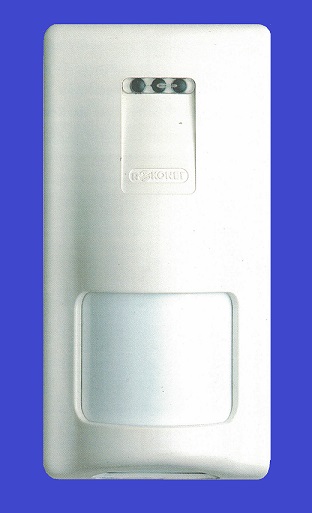

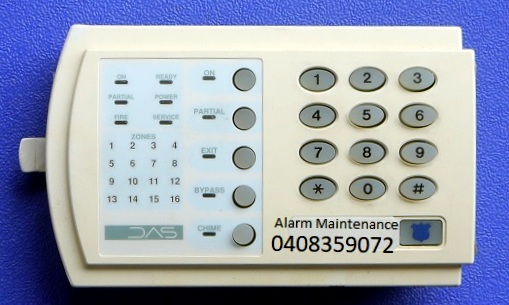
DAS Alarm Repairs, Servicing & Maintenance
We service keypad memory light flashing, power light flashing, service light ON, alarm keypad beeping, alarm system resets, siren trouble faults, fail to communicate errors, loss of system time, expander trouble, DAS alarm battery replacements, date and time resets, DAS keypad repairs, alarm beeping faults, fire light flashing , DAS HILLS Reliance emergency services, tamper zone faults, open zone faults, urgent call-out servicing for homes and businesses, phone technical support and false alarm repairs.
DAS alarms (Direct Alarm Supplies) are popular in Australia and can generally be operated from the keypad or remote key fobs.
We supply a range of reconditioned keypads for many older DAS alarm systems, including Networx NX4, NX8, NX12, NX16 and Hills Reliance R8, R12 and R128 systems.
We provide alarm battery replacement, system resets, factory-default services and repairs for many types of DAS security systems.
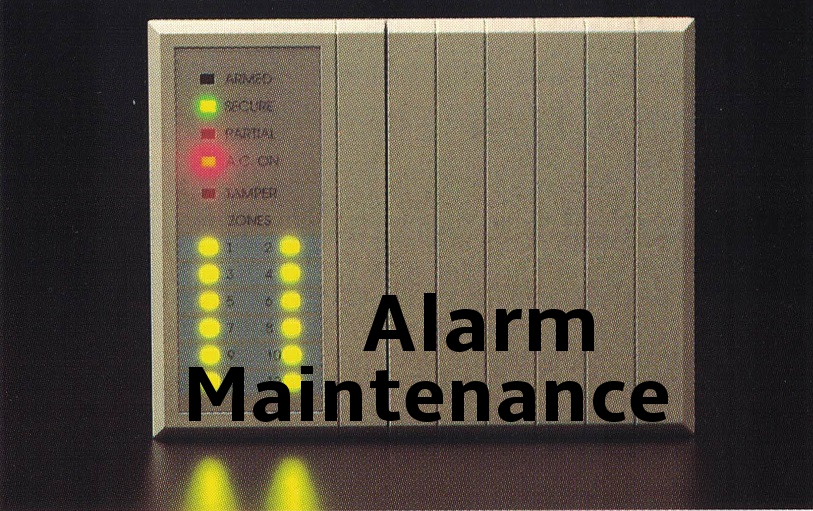
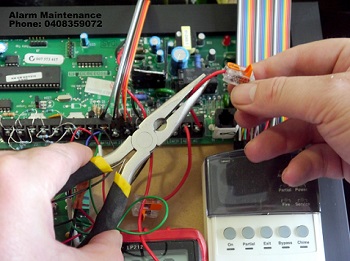
We can also repair damaged key fobs and add additional remotes where required.
DAS Alarm System Resets
DAS alarm resets may require the system to be defaulted, particularly when moving into a property where the existing programming code is unknown.
If the program code is unknown, a full factory default may be required by a qualified technician. If your DAS keypad is continuously beeping, this can indicate that the alarm system requires servicing.

Is Your Alarm System False Alarming?

Alarm Maintenance repairs alarm systems that may go off intermittently during the day or night. Various equipment faults can cause siren fault conditions, zone trouble faults, box tamper indicators and low-battery warnings.
It is best to have your system serviced promptly, particularly if unexpected alarm noise is occurring during the night.
Environmental conditions and system faults can cause a beeping keypad and trouble light. Our technicians can diagnose and repair zone trouble faults, box tamper issues and low-battery conditions on NX security alarm systems.
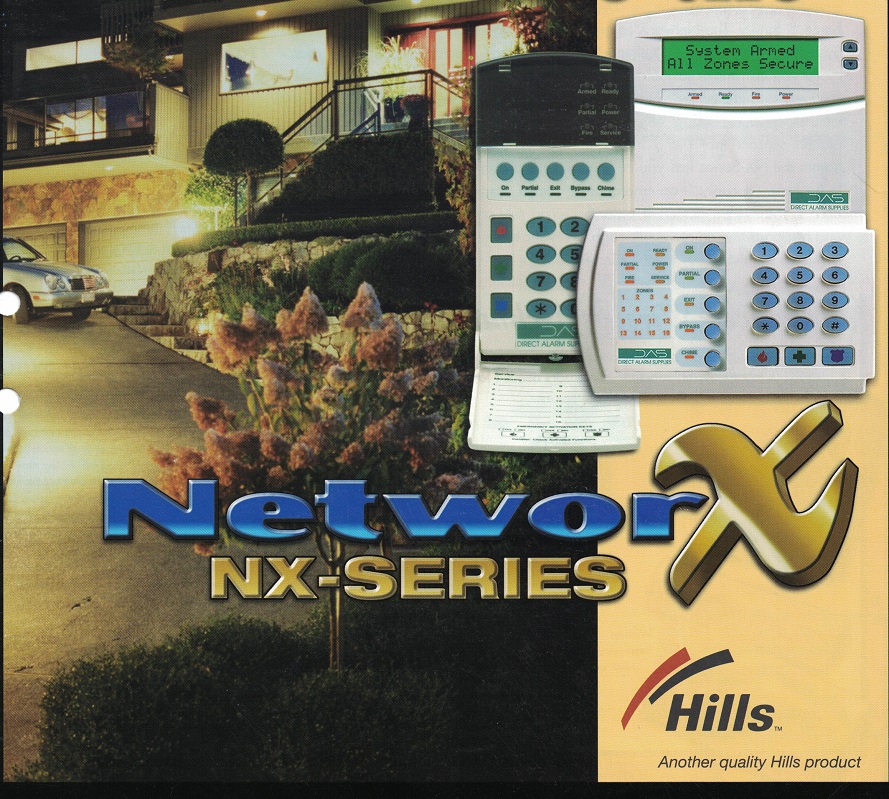
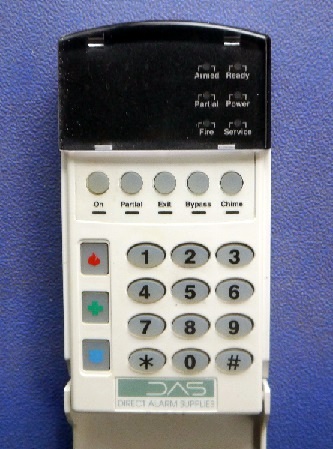
Short List User Manual - Arm & Disarm DAS Hills NX Reliance Alarm System
How to Arm Your DAS Alarm System From the Keypad
Ensure the READY light is on and the areas are sealed.
Enter your USER CODE, for example 4 5 6 7, or press ON where applicable.
Make sure the ARMED / ON indicator illuminates.
To arm the DAS system, close doors and windows. The green READY light will illuminate when all zones and sensors are sealed. If the READY light is not illuminated, the system may not arm.
With the READY light illuminated, enter your PIN code. Each keypad press normally produces a short tone. If the keypad beeps three times after code entry, the code has not been accepted. Press the # key and re-enter a valid code.
Disarming Your Security Alarm System
Enter your USER CODE.
The red ON light should turn OFF when the system is disarmed.
When returning to the property, the keypad may sound during the entry delay. Enter your code within the entry delay period. If the code is not entered before the delay expires, an alarm may activate.
How to Check DAS Alarm System History Events
- Press * 3 to check alarmed zones.
- Press # to exit the feature.
How to Change the First User Code
Enter *5, followed by your 4-digit master code, then 02, followed by the new 4-digit user code, then press # to save and exit programming.
How to Change the Master Code
- Press *5 followed by the existing master code.
- Enter the two-digit user code location.
- Enter the new four-digit code.
- Press # to save and exit programming.
How to Set the DAS System Date
- Press * 9 6.
- Enter the master code.
- Enter the day-of-week code.
- Enter the month code.
- Enter the day-of-month code.
- Enter the final two digits of the year followed by #.
How to Set the DAS System Clock
- Press * 9 7.
- Enter the master code.
- Enter the required time using the system's programming format.
Why Is My DAS Power Light Flashing?
A flashing power light can indicate that the backup battery is low or that mains power has been lost. If the condition remains after mains power is restored, the alarm battery and system should be checked.
Why Is the DAS Service Light ON?
The service light indicates that the alarm system has detected a service condition that may require attention.
On applicable systems, pressing *2 can display the service condition. Refer to the relevant alarm manual for the meaning of the displayed fault.
Common service conditions can include low main battery, wireless zone low battery, loss of zone supervision, telephone line failure, communication failure, fuse fault, loss of system time, expander trouble, zone trouble, box tamper and siren trouble.
We Service Most Makes & Models in Melbourne
NESS | NESS KEYPADS | BOSCH | SOLUTION | DAS | NETWORX - NX SERIES | HILLS RELIANCE | DAS NETWORX NX4 | NETWORX NX8 | NETWORX NX12 | DAS KEYPAD | HILLS RELIANCE 128 | DAS DL KEYPAD | ADEMCO | VISTA | CK SYSTEMS | HONEYWELL | EDM | DSC | CROW