| Home Hills Services Contact |
Hills Service Repairs
Ph: 0408 359 072
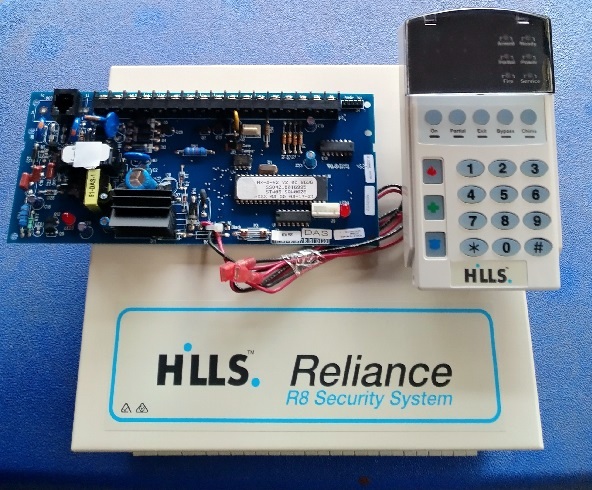
Alarm System Repairs on site services in Melbourne Hills Reliance R8
Hills R8 Alarm Repairs Services - Callout service
|
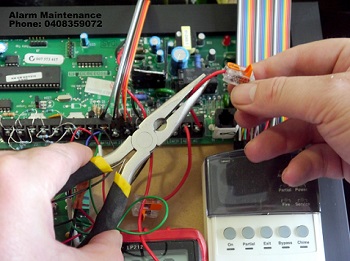
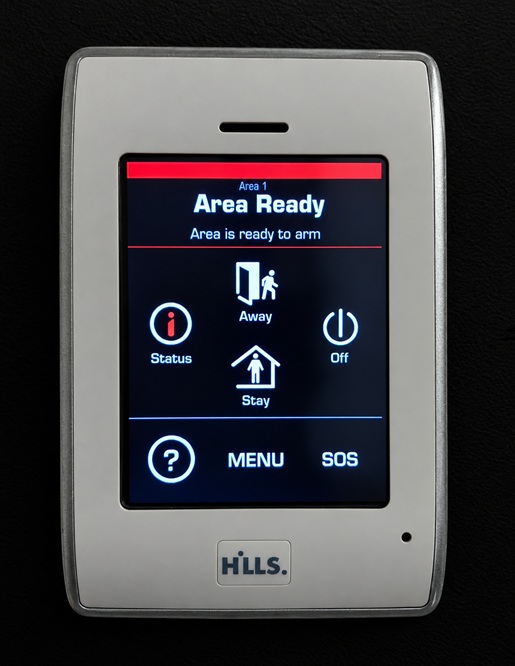
Keypad repairs - Master code resets - Keypad replacementsWe service Hills R8 alarm system equipment to the LED Vertex, VoiceNav, TouchNav, control panels, Wi-Fi radio devices as well as offering alarm panel battery replacements, factory resets and change your alarm codes for fast reliable work.
|
 We also repair Hills R8 Power light flashing - Alarm code pad beeping stopped- Alarm system resets - Alarm battery replacements - R8 Keypad replacements - Acknowledge Beeping alarm fault - Smoke alarm fixed - R8 False alarms repaired - Service light indicator ON Checks - Emergency switch OFF alarm and Shutdown -
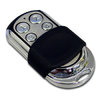 Does your existing Hills R8 alarm system have key fob remotes? We replace many kinds of Hills alarm systems including hard-wired and radio wireless devices! Our Alarm Maintenance can connect many remote control keys to old and existing security systems
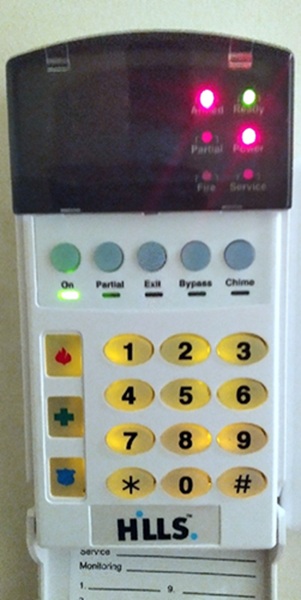
SHORT LIST USER MANUAL HILLS R8 RELIANCE ALARM SYSTEMHow to ARM your Hills R8 alarm system from your keypadEnsure the green READY light is lit (zone areas are sealed) close the doors and windows Enter USER CODE eg. 6 9 3 9 or just press the "ON" button Make sure that the red ARMED & Green ON light illuminates If any of the zones are isolated, a sensor in that zone can give a mixed reading affecting the "READY" light (green light flashing). The security system will not arm if the "READY" light is not illuminated green. With the "READY" light on, you may arm the security system with your 4-digit Code. Each time a key is pressed on the keypad, a short tone (beep) will sound. If the code pad beeps three times after a code entry, it is an indication that the code has not been accepted. Press the [#] key (reset) and re-enter a valid code. The Hills R8 code pad sounder can be muted by re-entering your 4-digit code. When the security system has accepted a valid code, the red "ON" light will illuminate indicating that the system has been turned on. The user must leave within the exit delay time. How to disarm your Hills R8 security alarm systemEnter USER CODE eg. [6] [9] [3] [9] if code is 6939 - keypad "ON" light goes OFF When you return to your property the keypad will sound a continuous tone (beep) for the duration of the entry delay time. Enter a valid code within this entry time and the red "ON" light will turn OFF, and the tone will stop. The security system is now DISARMED. If a valid code is not entered before the end of the entry delay time, an alarm will occur. How to change the ON/OFF code to your Hills R8 security systemEnter from keypad *5 followed by your 4-digit master code followed by [0][2] followed by new 4-digit user code then press [#] to save and exit programming How to change the master code to your Hills R8 security system1. Press [*] 5 followed by your existing master code eg. [6] [9] [3] [9] if code is 6939 How to set the date to your Hills security system with five easy steps1. On your keypad Press the [*] [9] [6] keys for access to function 96 How to set the system clock (time) to your Hills security system1. Press the [*] [9] [7] keys for access to function 97 Why is my power light flashing on my Hills alarm system keypad?The power light (red LED) on your Hills keypad will start flashing because this indicates that your battery to the panel is flat and now needs to be replaced. When this battery has been changed and reset, the power light on the code pad will now stop flashing indicating that the new battery is good. Why is my service light lit "ON" to my Hills R8 alarm code pad?The service light (amber LED) on your Hills R8 keypad lights up because indicates that your alarm system now requires a service. If the service light is "ON" pressing the [*] star key followed by the [2] number two key to indicate the service condition. The LED or LED`S will illuminate indicating what service need attending to. Please refer to your alarm manual to locate the fault conditions that is causing this to occur. Common faults to a Hills R8 service light ""ON"" are a flat battery, flat wireless sensor batteries, loss of zone supervision, communication line fail, fuse fault, loss of system date & time, expander troubles, zone fault, keypad trouble and siren trouble fault to name a few. |
WE SERVICE MANY MAKES & MODELSNESS - NESS KEYPADS - BOSCH - SOLUTION - DAS - NETWORX - NX SERIES - HILLS RELIANCE - HILLS ALARM BEEPING KEYPAD - Hills Reliance R8 alarm services, Hills Reliance R12 alarm systems, R16, Hills Reliance R128, Networx NX-4, Networx NX12, Networx NX-16, Networx NX-8, Interlogix, DAS DL KEYPAD - ADEMCO - VISTA - CK SYSTEMS - HONEYWELL - EDM & Much more |
sales@alarmmaintenance.com.au
| Hills Repairs Service |